
Today, a colleague reported that,Outlook emails suddenly all turned into plain text format,Some content even appears as garbled characters,Manually changing the encoding does not restore it to normal。Searched online for information,Outlook does have a setting that allows users to view all emails,entirely in plain text format,To improve security,But this colleague's setting was not enabled,Even if enabled and then disabled,Emails are still in plain text mode。
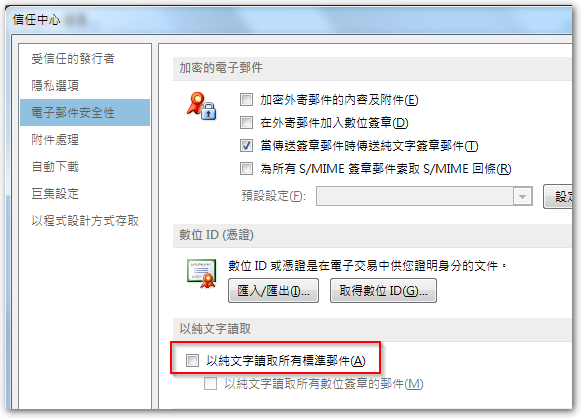
在檢視其環境後,發現主要收信的郵件資料檔 ( pst 檔) 竟還是十幾年前的 “Outlook 97-2002” 格式,且檔案大小似已趨近上限 2GB,因此懷疑是檔案達到上限而發生異常,造成所有郵件僅能以純文字格式檢視。試著新建一個新的 pst 檔後,測試收發新的郵件,確實就能以 html 格式檢視,只是原本 pst 裡的郵件,看起來內容已壞掉,只能從郵件伺服器重新倒了。
[Related Links]


Leave a Reply