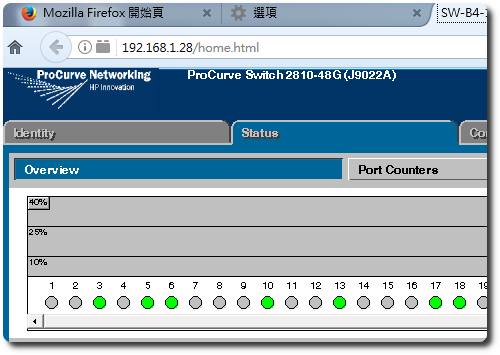
Firefox 在 52 版之後就封鎖了 Java 元件的使用,理由是不安全,且多數功能已不用透過 Java plug-in 即可達成,但針對一些舊式設備的管理介面,還是非得使用 Java 不可,昨天花了一些時間,總算成功使用 Firefox + Java 來修改 Switch 設定。
由於 Firefox 是從 52 版開始封鎖 Java,因此我們就直接去下載 51 version,這邊要注意的是務必要下載 32bit 的版本,64 位元的會無法正確啟動 Java。
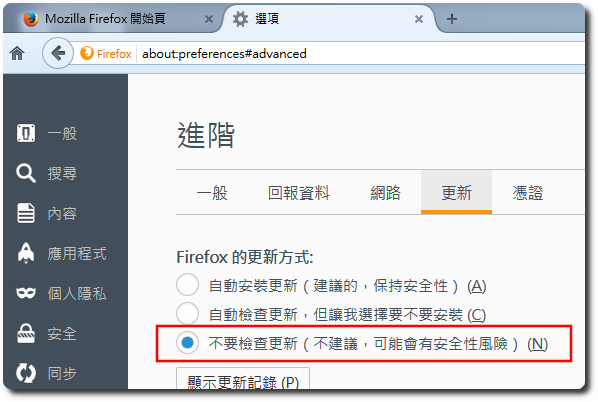
下載完畢後,進行安裝,啟動 51 版的 Firefox 後,記得先到「選項」-「進階」-「更新」,設定”不要檢查更新”,避免 Firefox 在背景自動更新到 56 version,等你重開瀏覽器後,Then Java cannot be executed again。
After completion,As long as the security of Java in the console is set,Adding the version is correct,You can normally browse the target webpage。