
 Previously, in order to test a certain MSN feature,I gathered various versions to compare,including the portable version,After finishing the experiments,I noticed that the desktop started showing lcapi0.log, MsnMsgr.txt, and Transport0.log, these three connection records that were supposed to be in the 'Received Files' directory,Even if deleted,the next time MSN starts, they are generated again。
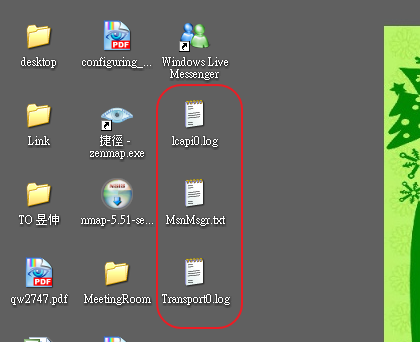
If you want to avoid this annoying problem,可在MSN(Windows Live Messenger)的「工具」-「選項」-「連線」-「進階設定」中,取消勾選「儲存我的伺服器連線記錄,以協助疑難排解連線問題」,即不會再產生上述檔案。


Leave a Reply