
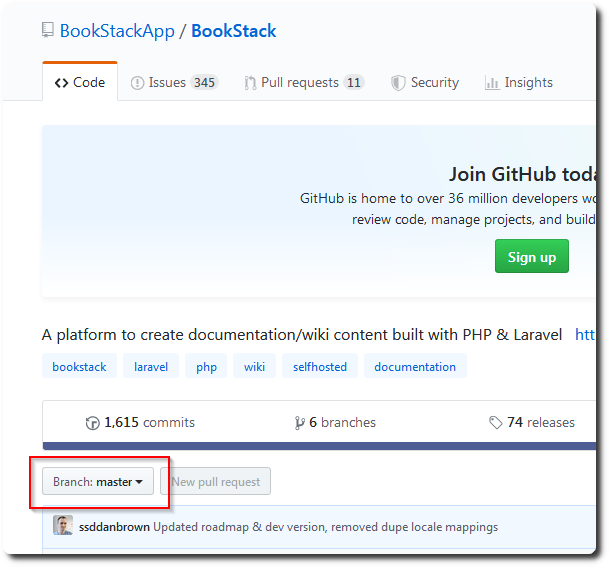
 BookStack 是一個類似 wiki 架構的開源知識管理系統,最近試著裝起來用看看,沒想到裝完後,一進首頁就發生所有 icon 都變超大的的情形,每個圖示幾乎都是滿版。上網搜尋原因後,原來是因為我在 GitHub 下載時,抓到的是 master 版本,Therefore, the absence of the CSS file,is what causes the layout to break,so you just need to add the relevant CSS file,or re-download the release version,to resolve the issue。
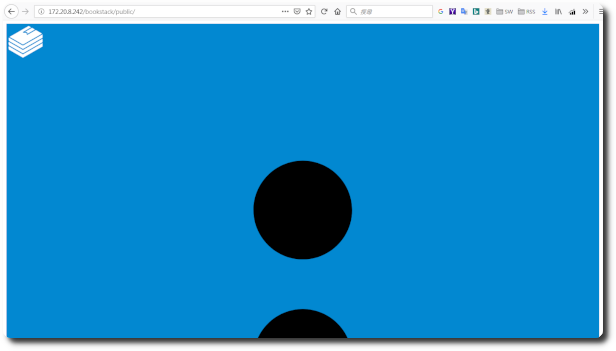
◎ 在 GitHub 上若沒選擇 branch,抓到預設的 master,就會少掉 css 檔。
◎ 漏掉的 css 檔位於 public/dist 底下。
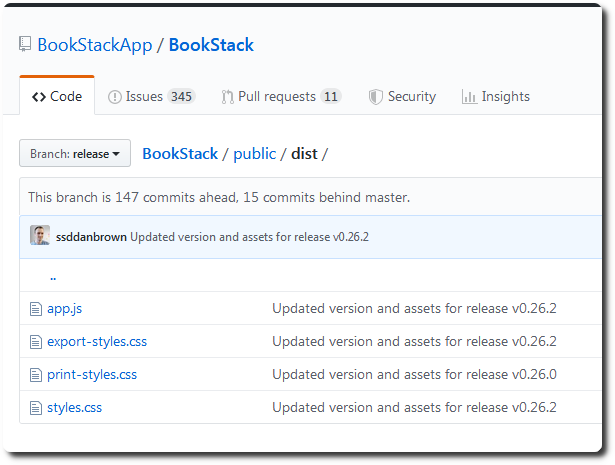
◎ 補上之後,畫面即正常。

【參考連結】
- Webpage size · Issue #996 · BookStackApp/BookStack · GitHub


Leave a Reply