
 虽然很久没有使用 Windows 内建的 Windows Defender 作为主要的防病毒工具,但在 Windows 安装好之初,总是会在 Windows 更新时顺便检查此工具的版本。不确定什么时候开始,在进行 Windows 更新时,Windows Defender 总是会弹出 8050800C 的错误,如果直接打开 Windows Defender,在软件里面进行更新检查,会跳出 0x80070643 错误。
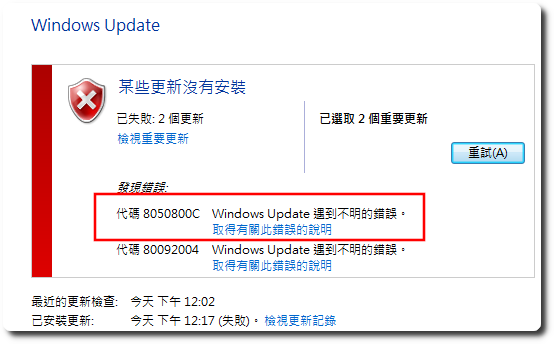
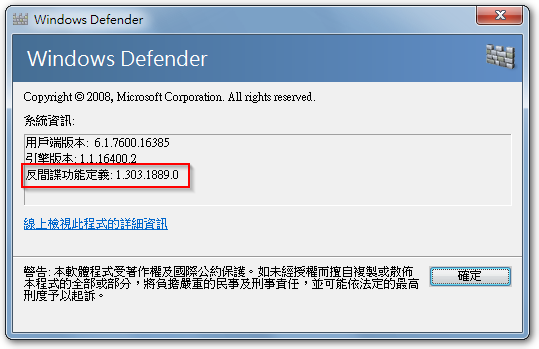
要解決此問題,只需要到微軟 Windows Defender 最新發佈頁面去下載符合自己平臺的版本,進行手動更新後,未來即可正常更新。比较特别的是,下載下來的安裝檔在執行後,並不會有什麼視窗出現,但程式其實已在背景默默完成更新,可以從 Windows Defender 的「說明」-「關於」去比對版號來確認更新。Additionally,成功更新,再次运行 Windows 更新也不会再出现 Windows Defender 项目。
【参考链接】
- Windows 7 新装机无法安装月度更新的朋友看过来 – 电脑讨论 – Chiphell – 分享与交流用户体验
- 适用于 Windows Defender 防病毒软件和其他 Microsoft 反恶意软件的最新安全情报更新 – Microsoft 安全情报


留下回复