
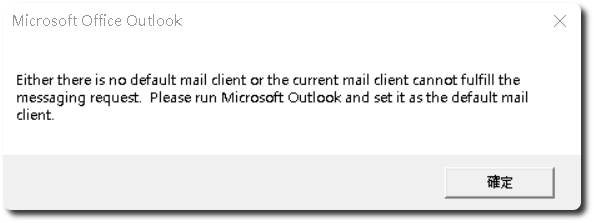
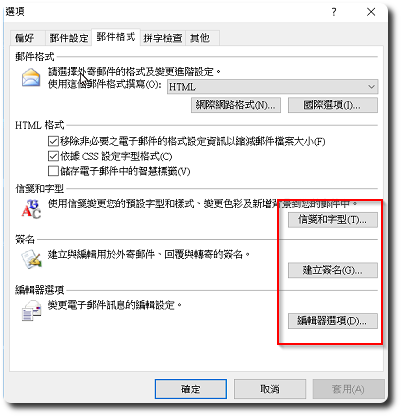
 有台电脑的环境是Windows 10 + Outlook 2007,前两天更新完Windows Update后,Outlook会不定时跳出”要么没有默认邮件客户端,要么当前邮件客户端无法完成消息请求. 请运行 Microsoft Outlook 并将其设置为默认邮件客户端。”的错误信息,同时点击 Outlook 的‘信纸和字体’、‘新建签名’、‘编辑器选项’都会没有反应。
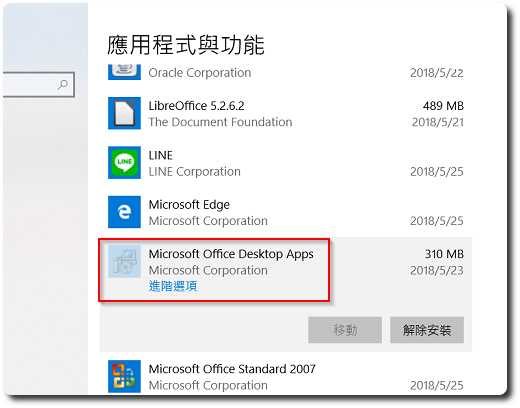
上網搜尋後,問題是出在”Microsoft Office desktop apps”這個app,進入「設定」-「應用程式」,將其移除並重開機後,问题即可解决。
【相關連結】
- Outlook 2010 的签名无法弹窗编辑 – Microsoft 社区


留下回复