
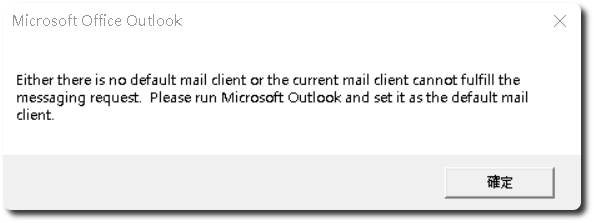
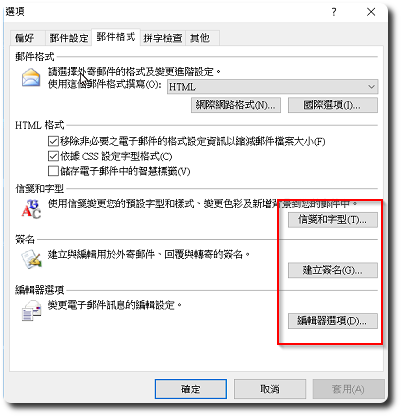
 有台電腦環境是Windows 10 + Outlook 2007,前兩天更新完Windows Update後,Outlook會不定時跳出”Either there is no default mail client or thecurrent mail client cannot fulfill the messaging request. Please run Microsoft Outlook and set it as the default mail client.”的錯誤訊息,同時點擊Outlook的「信箋和字型」、「建立簽名」、「編輯器選項」都會沒有反應。
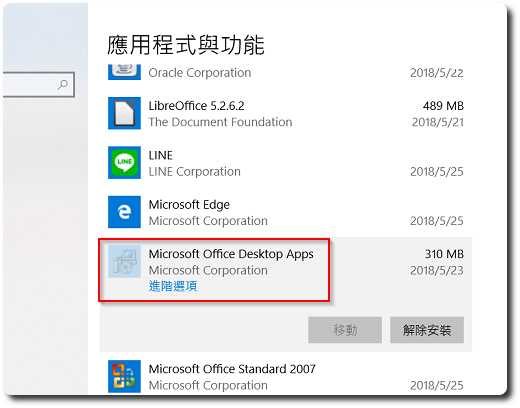
上網搜尋後,問題是出在”Microsoft Office desktop apps”這個app,進入「設定」-「應用程式」,將其移除並重開機後,問題即可解決。
【相關連結】
- Outlook 2010的 簽名無法開窗編輯 – Microsoft Community


Dejar una respuesta